Keeping Tuca fed by coordinating every meal

Solution:
A dog feeding app that orchestrates Tuca's meal times between my partner and me, so we never forget or double a meal.

Role:
Sole designer and developer. I took Tuca from concept to a working app, covering the design and the build.
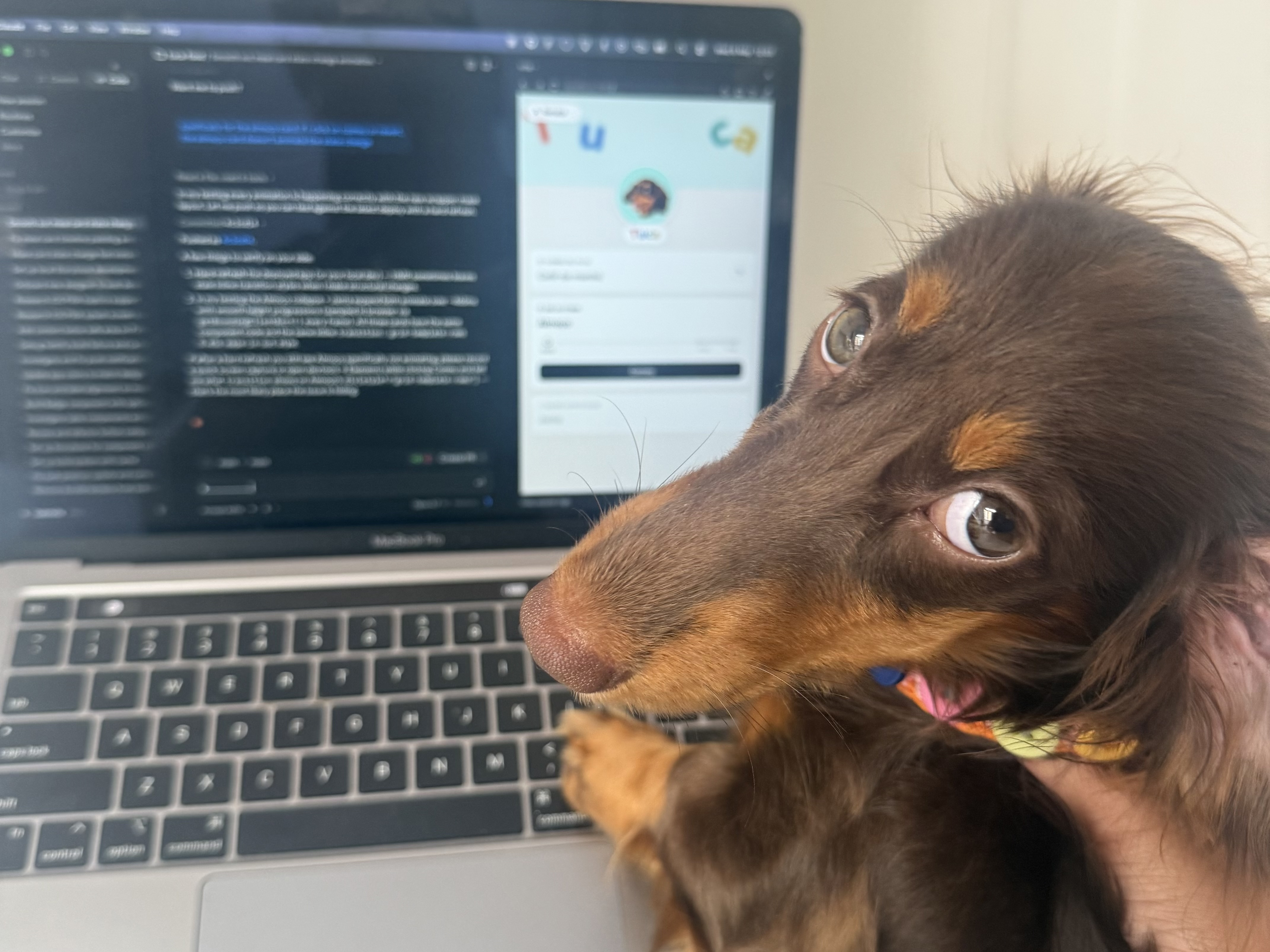
Tuca, the cutest dachshund puppy to ever live, recently joined my family.
My partner and I share caretaking responsibilities, such as feeding her three times a day.
While that sounds pretty straightforward, we soon realized it was one more chore on our list. We'd worry about forgetting a meal, or accidentally feed her twice because neither of us knew the other already had.
We'd have to keep an eye on the clock so we didn't lose track of time, or stay in constant communication to coordinate the feedings. This got old fast.
I knew I could use my skills to make our lives easier.
The app was never meant to scale into a real product. It was supposed to be Tuca's app, made for two specific users: my partner and me.
This project turned into my personal playground to experiment with AI workflows and whatever sparked my interest.
One requirement shaped the rest. I wanted real notifications, which meant the app had to behave like a native one. So I built it as a PWA we both save to our home screens, skipping the App Store entirely.
I moved a lot between a physical whiteboard, Figma, ChatGPT, and Claude to come up with the designs, and orchestrated multiple AI agents to get it built. It also got me more familiar with Supabase, Shadcn, and Tailwind.
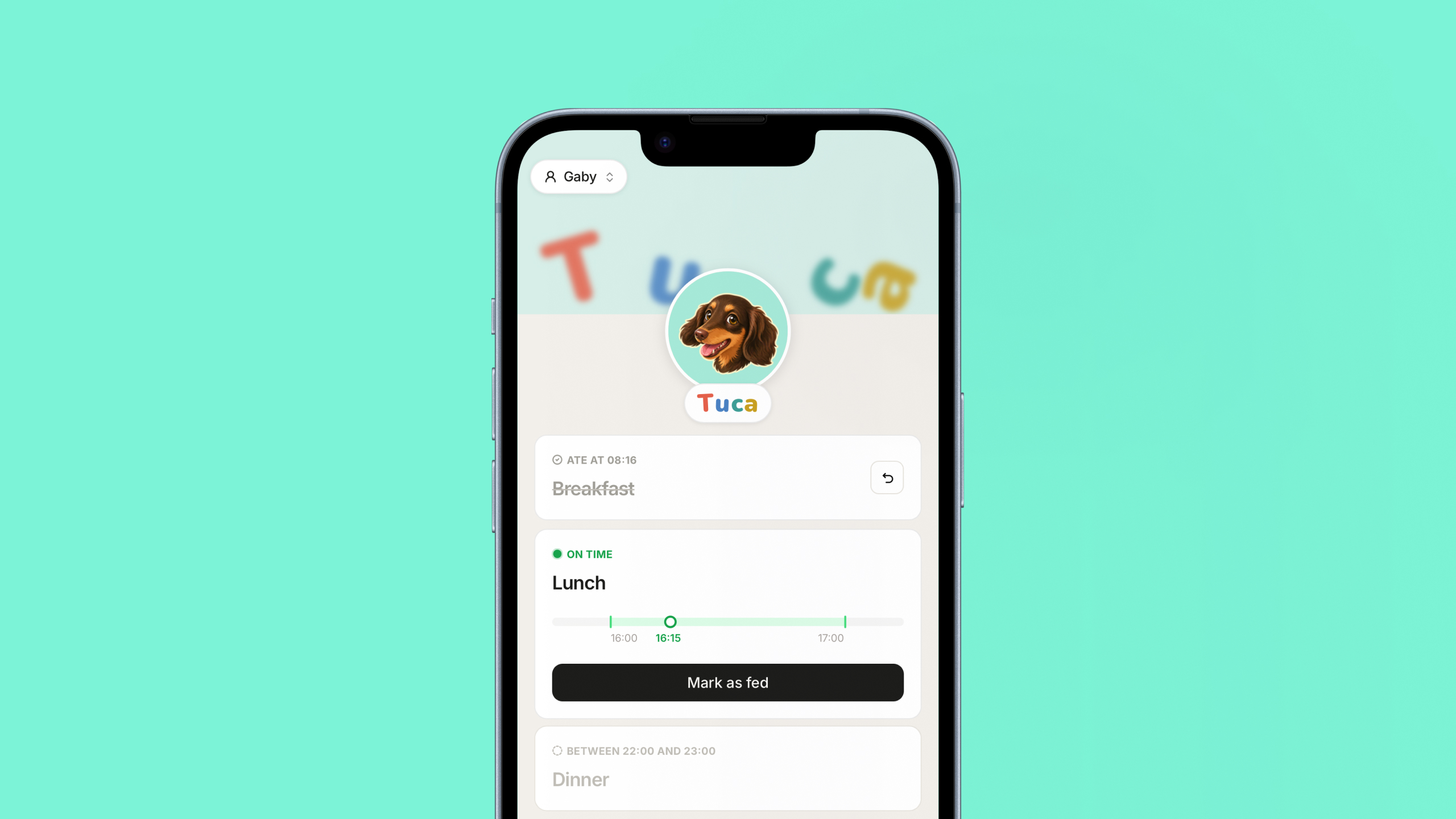
Tuca eats three meals a day: Breakfast, Lunch, and Dinner. Each is represented by a Meal Card on the home screen.
There isn't an exact time each meal has to happen either. I decided to treat it as a one-hour feeding window, so we stay flexible. This is represented as a timeline within the Meal Card.
Each card's timeline places the current moment inside the ideal feeding window. It adapts visually depending on whether it's too early, coming up soon, right on time, or too late.
Marking a meal fed is a single tap, and so is undoing it if a mistake was made. A fun little thing is that I was able to get haptic feedback on the app by toggling an invisible switch in the background.
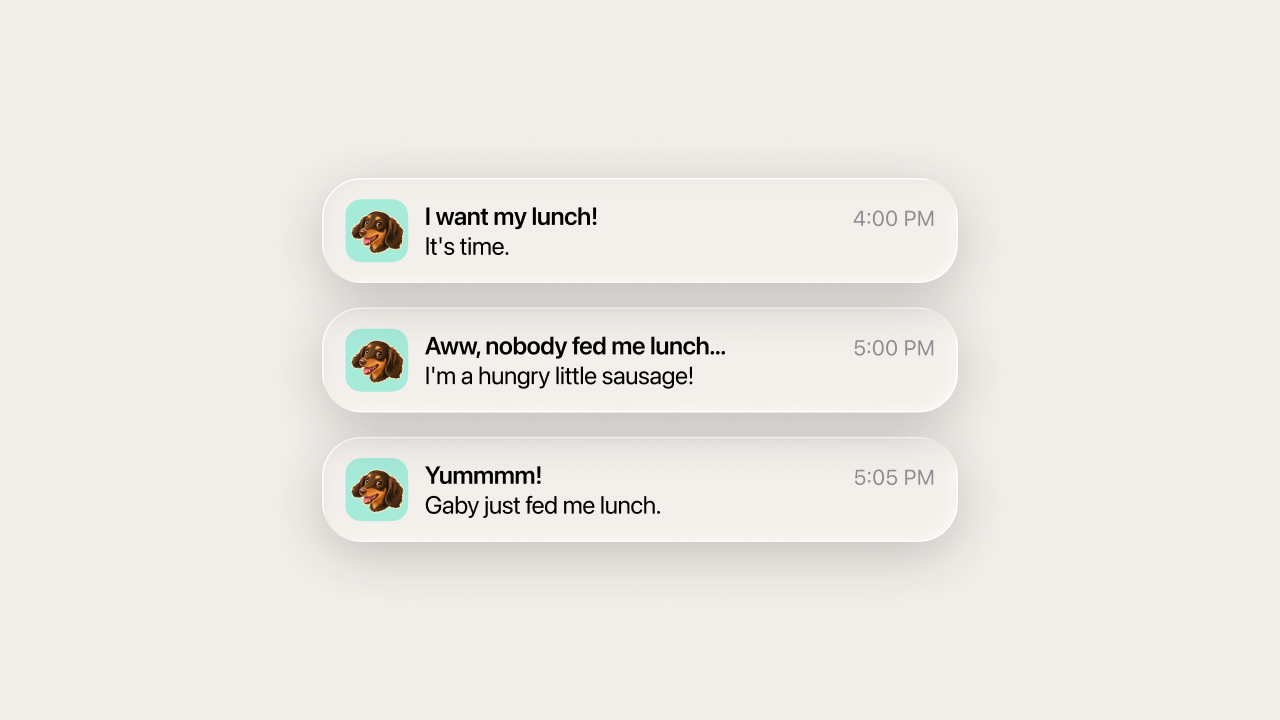
The current time and meal states also shape the app's notifications. Some are triggered by something happening, like one of us marking a meal fed or undoing it. Others are triggered by the clock, like a meal window opening or closing with Tuca still unfed. Together they keep us in sync without either of us having to ask.
Building my own thing also gave me room to have some fun. I used ChatGPT's image generation to create illustrations of Tuca with different facial expressions. They were used for the app icon and as an easter egg when you tap her avatar.
I really wanted the app to feel playful. Once the day's meals are done, the letters of her name unlock into a small physics playground, and you can fling them around and watch them bounce off the walls. The cleared screen feels like a reward.
The motion is a mix of Framer Motion and custom-built interactions. With Claude's help, I was able to visually play with the parameters until I got the interaction feeling just right.
We use the Tuca app every single day.
The notifications mean we never forget a meal, and the shared state means we never double feed her. Feeding her went from a small daily headache to something easy that we both enjoy, and clearing the day's meals to unlock the playground makes it feel a little like a game.
Building this app end to end gave me a real sense of autonomy. It showed me I can take an idea from a problem all the way to a working product on my own. Getting hands-on with the build took me back to my Apple Developer Academy days, and reminded me how much I love design and technology.